Paste the URL
A product or landing page is enough.
URL to Campaign
Drop in a product or landing page URL. We read it like a media buyer — offer, proof, images — and return a campaign you can edit and publish.
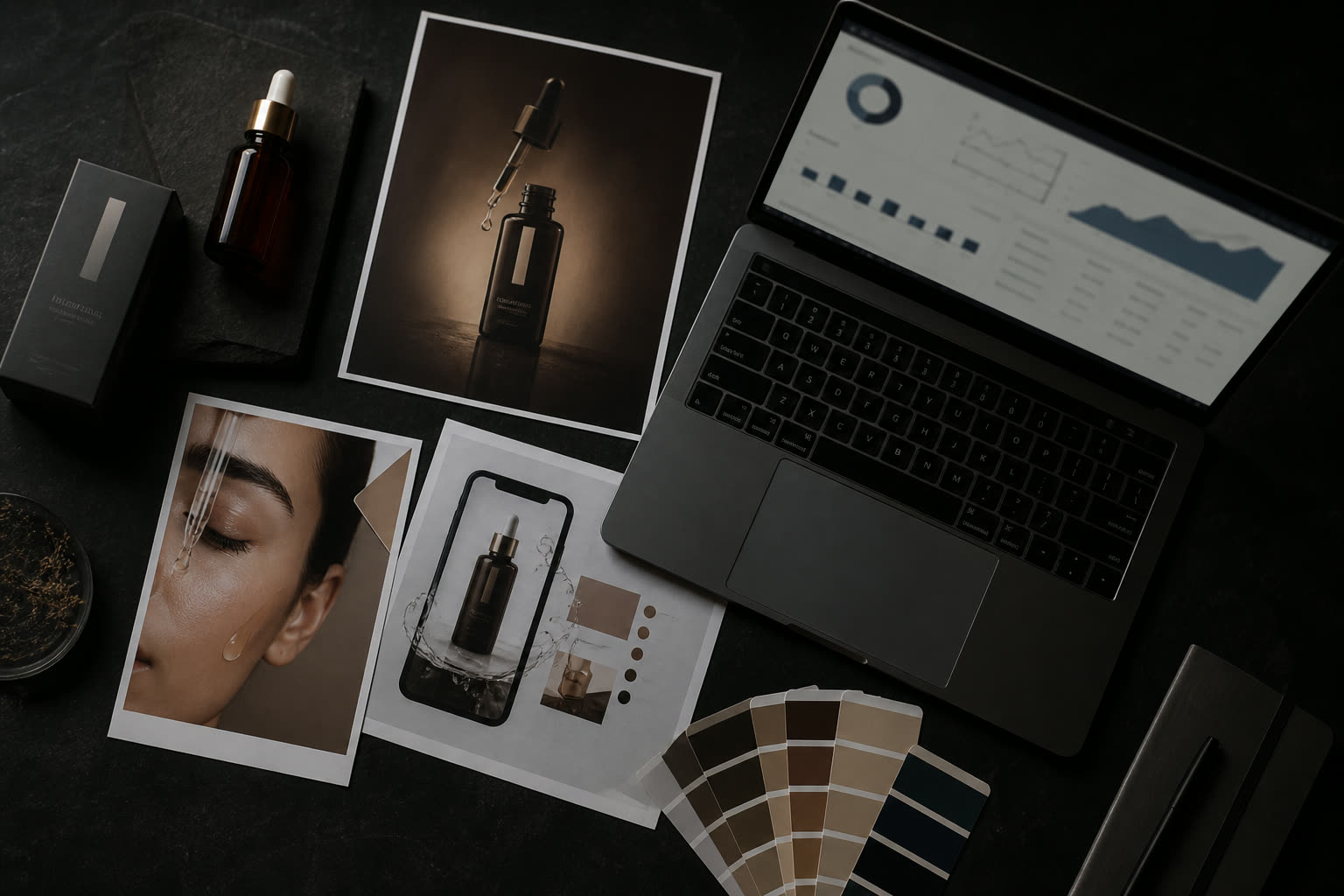
AI generated creative
The problem
Gathering images, writing selling points, explaining the offer — every single time. That’s why campaigns stall in a Google Doc.
The page is the input. We pull product name, description, images, and proof points, then turn them into targeting, copy, and creatives.
How it works
From idea to launch-ready in three steps.
A product or landing page is enough.
Name, proof, images, and tone — pulled automatically.
Research, audiences, copy, creatives — then publish paused.
Why teams choose it
The page is the brief.
Targeting and a four-week plan, not a folder of JPEGs.
Image, video direction, and UGC-style cuts from one link.
Refine and send straight to Meta.
Everything inside
FAQ
A product or landing page URL. We extract the rest.
A full campaign: research, audiences, copy, creative direction, and a 28-day plan.
Clear product pages with real images and an obvious offer.
Yes. Review, edit, and publish paused to Meta.
The rest of the desk
Tell us the business.
Generate professional Meta image ads from a product URL, a reference you love, or the brief inside the campaign — then resize for Feed, Reels, and Stories.
Generate Meta-ready video ads from a product URL or a proven structure, then polish with a second-by-second script for Reels, Stories, and Feed.
Image ads, cinematic video, and talking-head UGC from a single desk: pick a mode, describe the ad, and refine until it’s ready for Feed, Reels, or Stories.
Start a campaign in minutes. Trial is seven days, card required — cancel before day seven and you won’t be charged.